Nostalgic Negative Film
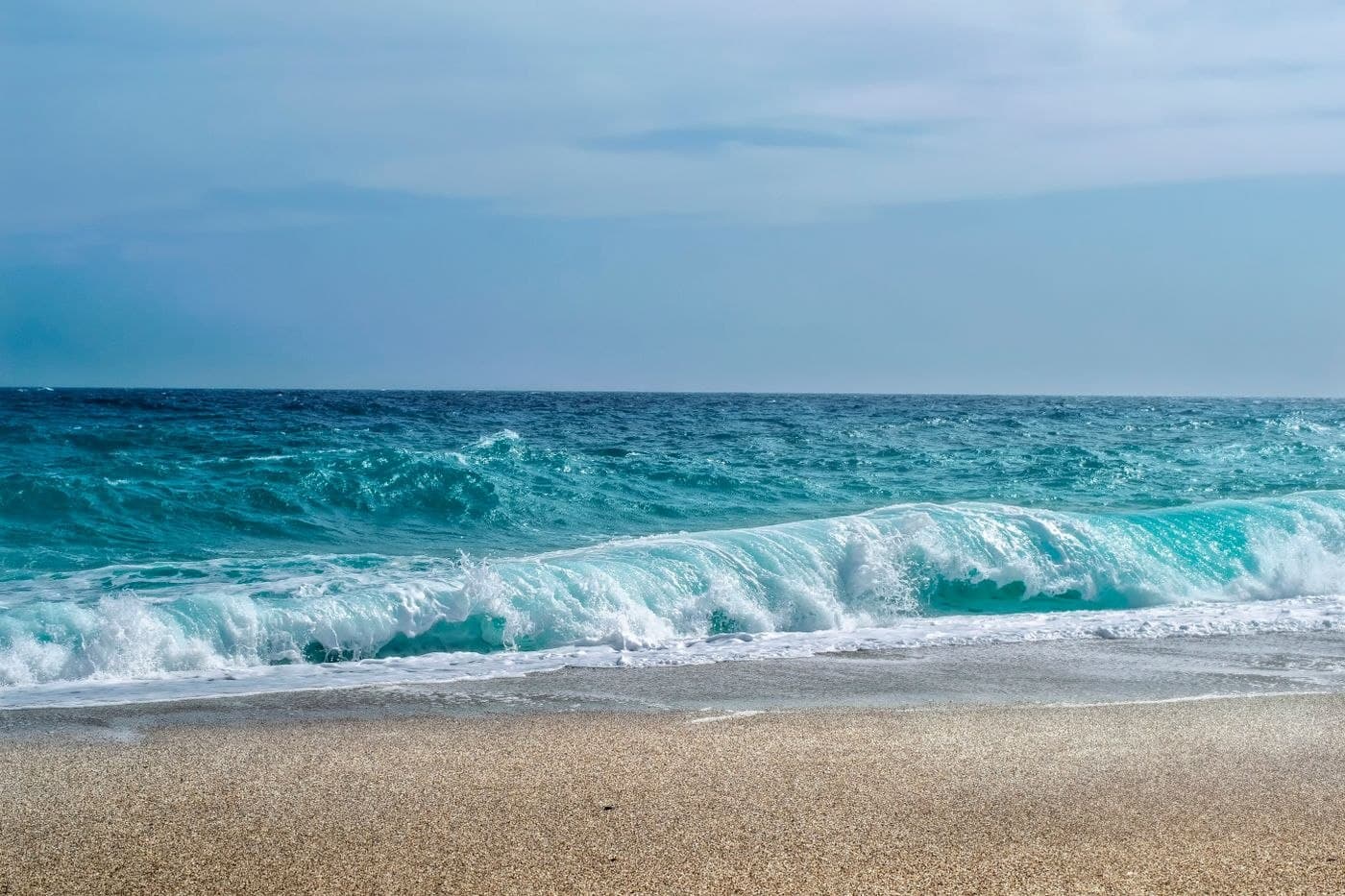 Illustrative photo · Sample pending
About this recipe
Nostalgic Negative Film is a free Ricoh GR recipe by Chrizz Ocampo, based on the Negative Film image control. It works with the GR III, GR IIIx, GR IV, and GR IV HDF. Enter the settings below on the camera; no file is needed.
Warm, faded nostalgia, take two. Daytime outdoors: 7150K with A8 G2 shift. For golden hour, indoors, and night, switch to Auto WB with A3 G3. By Chrizz Ocampo, via the Ricoh GR Facebook group - from the same post as his Nostalgic Negative Film.
Ricoh parameters
set in camera- Image Control
- Negative Film
- Saturation
- +2
- Hue
- -3
- High/Low Key
- +2
- Contrast
- +3
- Contrast (Highlight)
- -4
- Contrast (Shadow)
- -1
- Sharpness
- 0
- Clarity
- +1
- Shading
- 0
- White Balance
- Kelvin 7150K
- WB Compensation
- A8 G2
Before using this recipe
This recipe or downloadable preset may not include all settings recommended by the original creator. For the intended look, also set the recommended White Balance, WB shift, exposure compensation (EV), and any other camera settings.
Recommended settings
Values recorded in this library are shown below. Confirm them against the creator’s current instructions.
- White Balance
- Kelvin 7150K
Not recorded here yet: WB shift, Exposure compensation (EV). Check the creator’s original recipe for them.
Please visit Chrizz Ocampo — creator’s website for complete instructions and the latest updates. The exact original recipe page has not yet been verified. The recipe or file hosted here may be an older version.
How to apply
Ricoh · In-camera settingsFor: Ricoh GR III / GR IIIx / GR IV (older GR / GR II use slightly different options)
- 1
Pick the base
Select the Image Control listed in the recipe (e.g. Positive Film, Negative Film, Standard).
MENUShooting menuImage Control - 2
Adjust the values
Open the adjustments for the selected Image Control and enter each value listed above.
- 3
White balance & exposure
Set White Balance with its fine-tune shift and any exposure compensation listed.
- 4
Save to a user mode
Save the setup to a USER slot (U1–U3 on GR III/IIIx, MY1–MY3 on GR II) and recall it from the mode dial.
- Image Control only applies to camera JPEGs.
- Saving to a user mode overwrites what was in that slot.
- Menu names vary slightly by model and firmware.
Nostalgic Negative Film
Original creator
Chrizz Ocampo
Visit creator’s website (opens in a new tab)Tested this recipe? Have better settings for your camera?
Suggest custom adjustments, tweaks, or updated sample photos.
Suggest an improvementRate this control
Log in to rate it.
Fully compatible with Ricoh GR III (28mm f/2.8)
- All Image Control parameters and tone curves are directly supported on your Ricoh GR III (28mm f/2.8).
Works with
Models listed by the recipe source. Confirm the required settings, shooting mode and firmware in the creator’s instructions.
No file — set in camera
This recipe is applied by entering the values below directly on a Ricoh camera.