Grotto 200
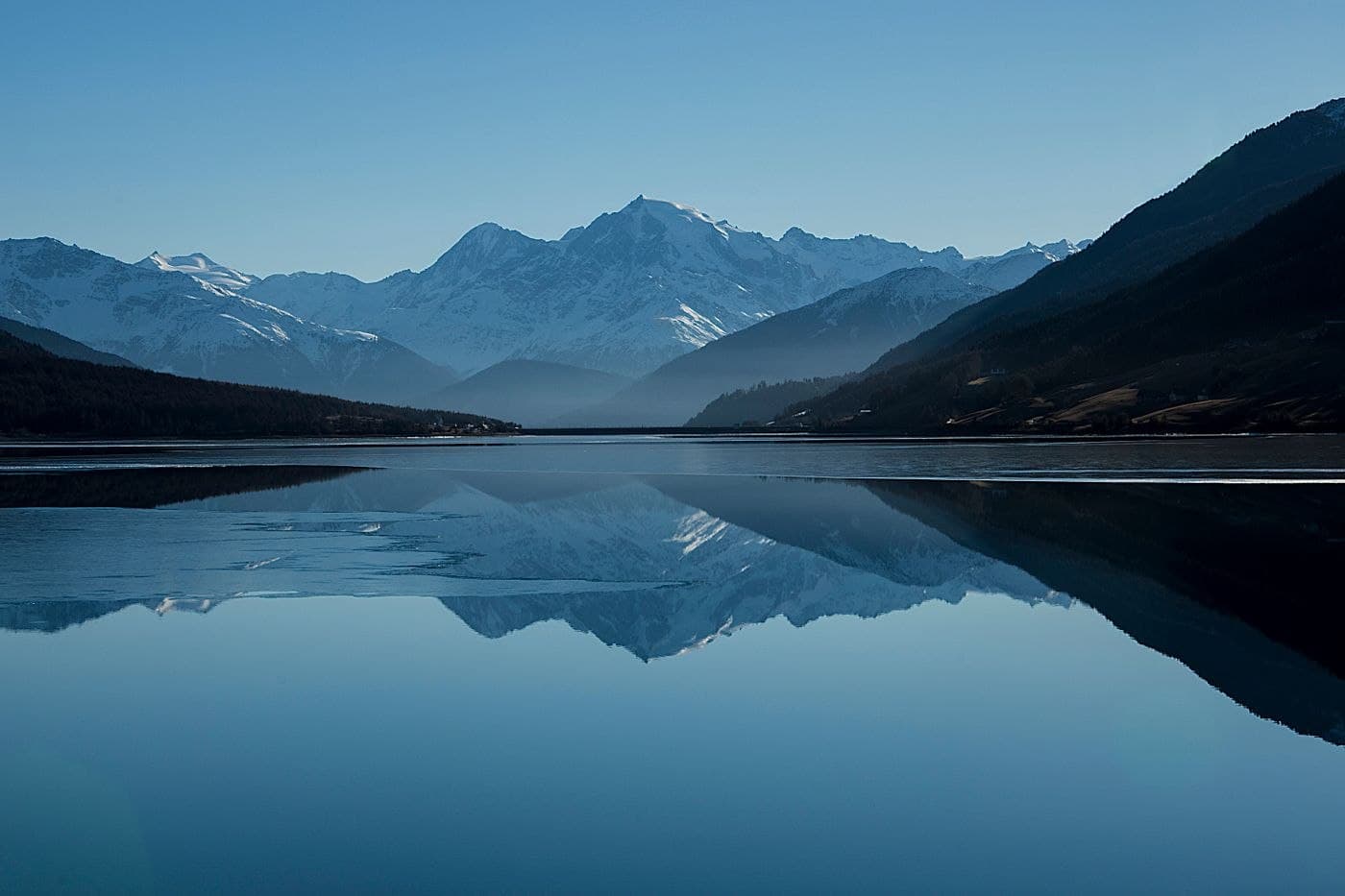 Illustrative photo · Sample pending
About this recipe
Grotto 200 is a free Ricoh GR recipe by RicohCookBook, based on the Vivid image control. It works with the GR III, GR IIIx, GR IV, and GR IV HDF. Enter the settings below on the camera; no file is needed.
The idea for this recipe was conceived at the serene Grotto in Portland, Oregon on an overcast July morning with soft light. This recipe is perfect for morning shots of a garden or delicate flowers. I highly recommend using this in overcast, open shade, morning cloud, or low sun - not in direct midday sun where it can cause reds and pinks to glow. This recipe uses the Vivid Image Control as the base with no added saturation to keep it honest, a -3 highlight and a small white balance trim to keep red and pink petals from going too flat. This is RicohCookBook's first in-house recipe, enjoy.
Ricoh parameters
set in camera- Image Control
- Vivid
- Saturation
- 0
- Hue
- -1
- High/Low Key
- +1
- Contrast
- +1
- Contrast (Highlight)
- -3
- Contrast (Shadow)
- -1
- Sharpness
- 0
- Clarity
- -1
- Shading
- 0
- Noise Reduction
- Off
- Highlight Correction
- On
- Shadow Correction
- Auto
- Peripheral Illumination
- On
- White Balance
- Daylight
- WB Compensation
- A1 M1
- ISO
- ISO 200-1600
- Exposure Comp.
- -0.3
Before using this recipe
This recipe or downloadable preset may not include all settings recommended by the original creator. For the intended look, also set the recommended White Balance, WB shift, exposure compensation (EV), and any other camera settings.
Recommended settings
Values recorded in this library are shown below. Confirm them against the creator’s current instructions.
- White Balance
- Daylight
- Exposure compensation (EV)
- -0.3
Not recorded here yet: WB shift. Check the creator’s original recipe for them.
Please visit RicohCookBook — original recipe page for complete instructions and the latest updates. The recipe or file hosted here may be an older version.
How to apply
Ricoh · In-camera settingsFor: Ricoh GR III / GR IIIx / GR IV (older GR / GR II use slightly different options)
- 1
Pick the base
Select the Image Control listed in the recipe (e.g. Positive Film, Negative Film, Standard).
MENUShooting menuImage Control - 2
Adjust the values
Open the adjustments for the selected Image Control and enter each value listed above.
- 3
White balance & exposure
Set White Balance with its fine-tune shift and any exposure compensation listed.
- 4
Save to a user mode
Save the setup to a USER slot (U1–U3 on GR III/IIIx, MY1–MY3 on GR II) and recall it from the mode dial.
- Image Control only applies to camera JPEGs.
- Saving to a user mode overwrites what was in that slot.
- Menu names vary slightly by model and firmware.
Grotto 200
Original creator
RicohCookBook
Visit creator’s website (opens in a new tab)Tested this recipe? Have better settings for your camera?
Suggest custom adjustments, tweaks, or updated sample photos.
Suggest an improvementRate this control
Log in to rate it.
Fully compatible with Ricoh GR III (28mm f/2.8)
- All Image Control parameters and tone curves are directly supported on your Ricoh GR III (28mm f/2.8).
Works with
Models listed by the recipe source. Confirm the required settings, shooting mode and firmware in the creator’s instructions.
No file — set in camera
This recipe is applied by entering the values below directly on a Ricoh camera.