Kodak Portra 160NC
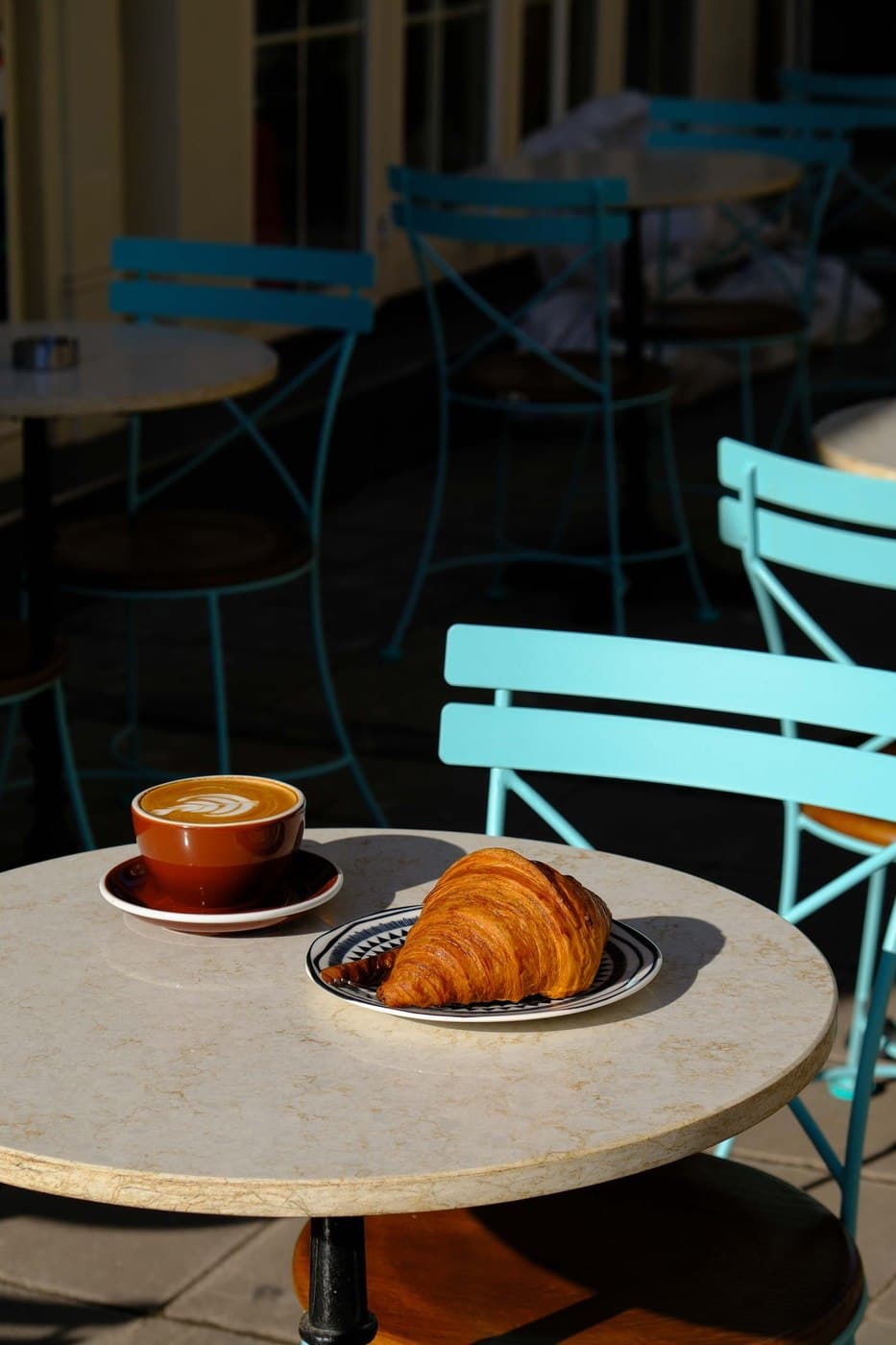 Illustrative photo · Sample pending
About this recipe
Kodak Portra 160NC is a free Nikon Picture Control by Nikon.
Official Nikon recipe by Nikon. Collection: NikonPC. Source: https://github.com/shouryan01/Nikon-Recipes/blob/main/NikonPC/Kodak%20Portra%20160NC
Before using this recipe
This recipe or downloadable preset may not include all settings recommended by the original creator. For the intended look, also set the recommended White Balance, WB shift, exposure compensation (EV), and any other camera settings.
Not recorded here yet: White Balance, WB shift, Exposure compensation (EV). Check the creator’s original recipe for them.
The creator’s original recipe link has not yet been verified. Please check the original creator’s instructions before using this recipe. The recipe or file hosted here may be an older version.
How to apply
Nikon · File importFor: Nikon Z cameras (Z5, Z6, Z7, Z8, Z9, Z30, Z50, Z fc, Zf…) and recent DSLRs such as the D780
- 1
Download the file
Save the .NP3 file to your computer. Keep the original name — it becomes the Picture Control name on the camera.
- 2
Copy it to the memory card
Use a card formatted in the camera. Put the file in the NIKON/CUSTOMPC folder (create it if missing) or in the card root.
- 3
Load it into the camera
Choose the file, then pick a free custom slot (C-1 to C-9). You can rename it on the camera.
MENUPhoto shooting menuManage Picture ControlLoad/saveCopy to camera - 4
Select the look and shoot
Pick the custom slot you just filled. It is also available from the i menu.
MENUPhoto shooting menuSet Picture ControlC-1…C-9
- The look is baked into JPEG/HEIF files. RAW files keep it as metadata — NX Studio shows it, Lightroom does not.
- Copy file to memory card under NIKON/CUSTOMPC/ folder, then load via Menu › Manage Picture Control › Load/save › Copy to camera.
- Flexible Color presets require a Nikon Zf (firmware 2.00+), Z6 III, Z8 (firmware 3.00+), Z9 (firmware 5.30+), Z50 II, Z5 II, or ZR.
- The Zf, Z6 III, Z50 II, and Z5 II can also sync Picture Controls wirelessly via Nikon Imaging Cloud or Nikon NX Studio.
- Menu names vary slightly by model and firmware.
Kodak Portra 160NC
Original creator
Nikon
Tested this recipe? Have better settings for your camera?
Suggest custom adjustments, tweaks, or updated sample photos.
Suggest an improvementRate this control
Log in to rate it.
Check Nikon Compatibility
Select your Nikon camera to check if this NP3 file loads directly:
Works with
Compatibility not yet verified. Check the creator’s original recipe for supported models, required settings and firmware.
Download
1 file · 2 downloads
Kodak Portra 160NC
NP3 file · 638 B