Flat
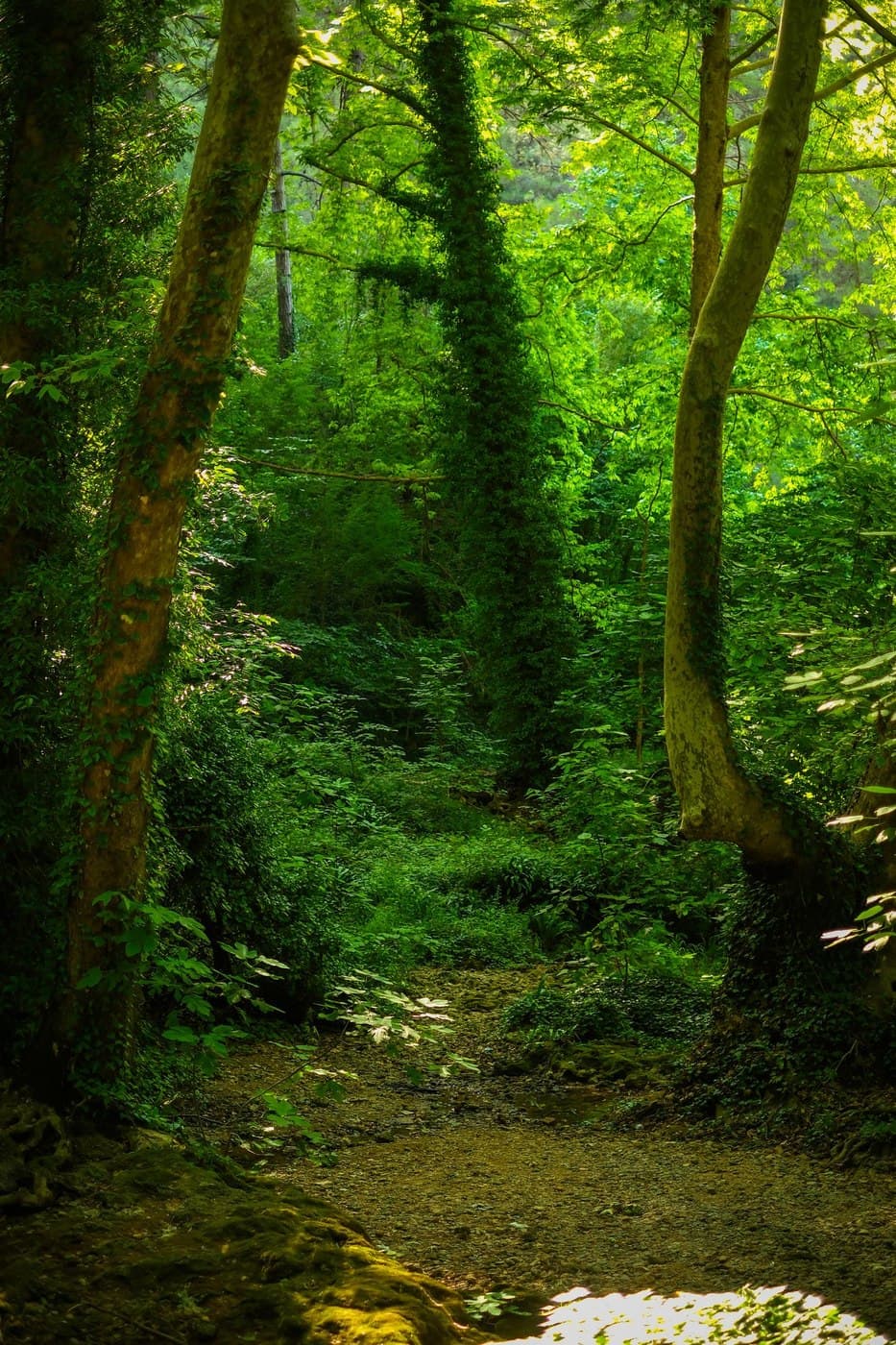 Illustrative photo · Sample pending
About this recipe
Flat is a free LUMIX Photo Style recipe by Panasonic LUMIX. Enter the settings below on the camera; no file is needed.
Soft Tones with Subtle, Subdued Color Representation Ideal for post-processing and shots with lighting, this style offers exceptional flexibility. With lower saturation and contrast than the Natural Photo Style, it minimizes overexposure and deep shadows for balanced, adaptable results.
Photo Styles parameters
set in camera- Base Photo Style
- Flat
Before using this recipe
This recipe or downloadable preset may not include all settings recommended by the original creator. For the intended look, also set the recommended White Balance, WB shift, exposure compensation (EV), and any other camera settings.
Not recorded here yet: White Balance, WB shift, Exposure compensation (EV). Check the creator’s original recipe for them.
Please visit Panasonic LUMIX — original recipe page for complete instructions and the latest updates. The recipe or file hosted here may be an older version.
How to apply
Lumix · Photo StylesFor: LUMIX cameras with Photo Style / My Photo Style
- 1
Select the style
Choose the listed Photo Style.
MENUPhoto Style - 2
Enter the values
Adjust the style and enter each value listed above.
- 3
Save as My Photo Style
Store it in a My Photo Style slot if your model supports it.
- A LUT made for V-Log looks wrong on a different base style.
- Menu names vary slightly by model and firmware.
Flat
Original creator
Panasonic LUMIX
Visit creator’s website (opens in a new tab)Tested this recipe? Have better settings for your camera?
Suggest custom adjustments, tweaks, or updated sample photos.
Suggest an improvementRate this control
Log in to rate it.
Fully compatible with LUMIX S9
- Fully compatible with your LUMIX S9 (loads directly into 39 slots via LUMIX Lab & LUT button).
Works with
Compatibility not yet verified. Check the creator’s original recipe for supported models, required settings and firmware.
No file — set in camera
This recipe is applied by entering the values below directly on a Lumix camera.